WhatsApp chatbot by industry
How ChatFairy answers enquiries, takes bookings and payments, and hands over to your team in seven kinds of business.
Free during the open beta. No card needed.
Industries
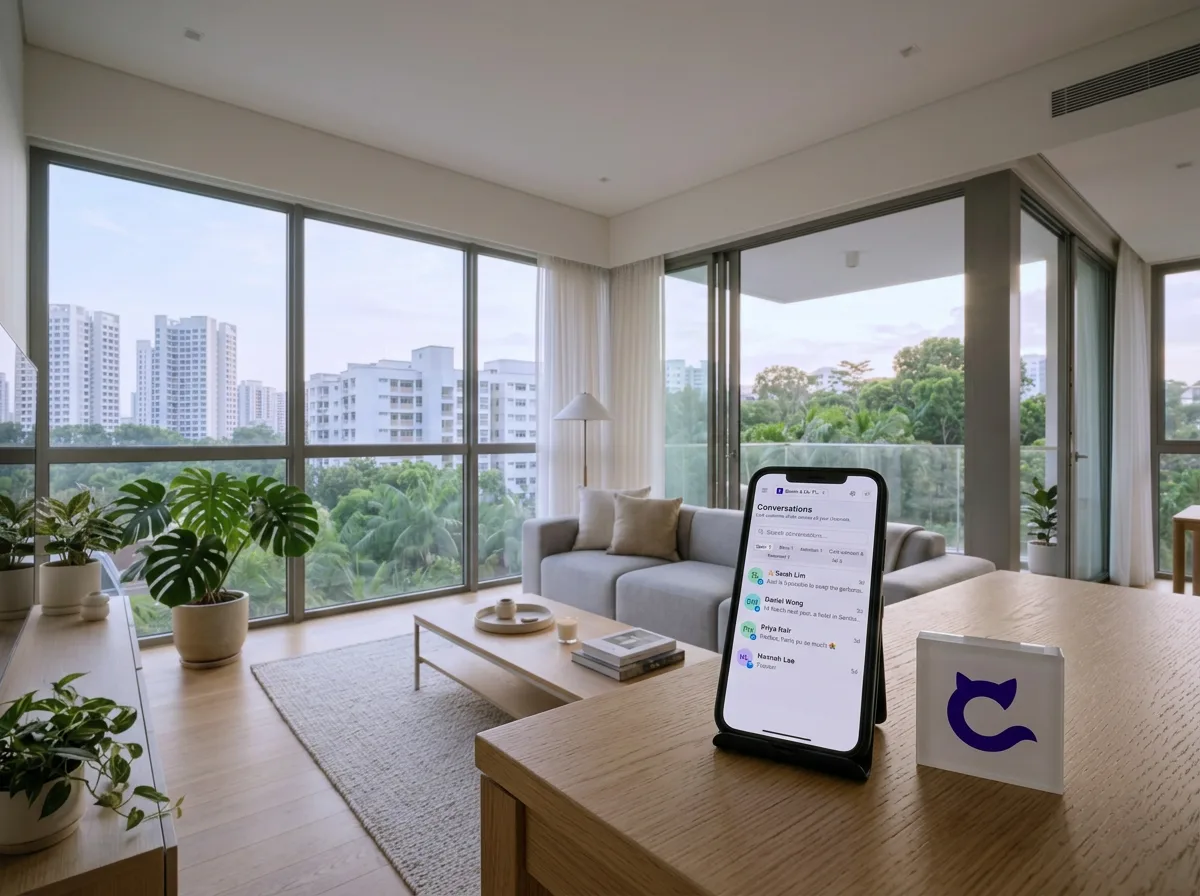
Property agents
Instant replies to listing enquiries, day or night. The assistant qualifies budget, area and move-in date, books viewings and hands serious buyers and tenants to you.

Car workshops
Answers servicing and repair enquiries with your quote ranges, books workshop slots and collects the car details you need, so your service advisors stay on the floor.
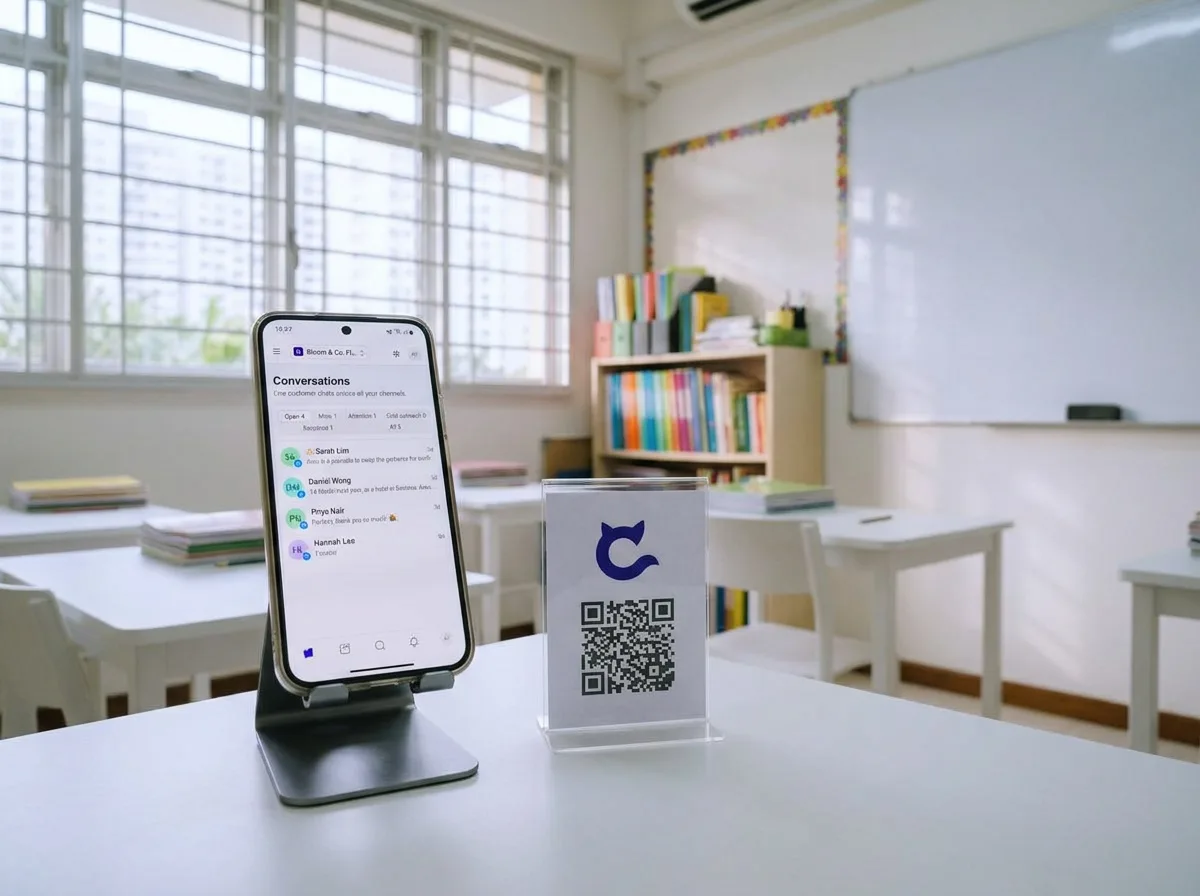
Tuition centres
Answers parents' questions about courses, schedules and fees in seconds, books trial classes and keeps every enquiry in one inbox for your follow-up.
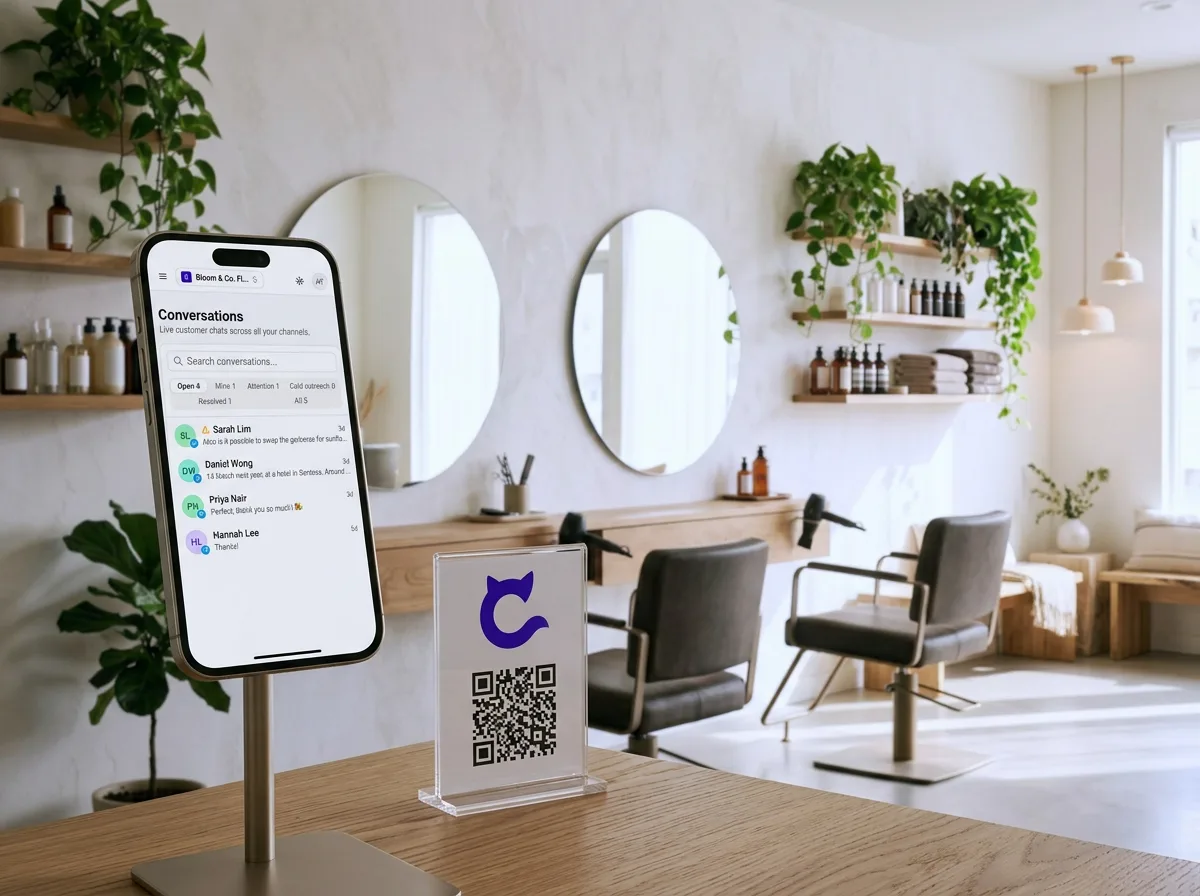
Salons and spas
Answers questions about services, prices and stylists, books appointments into each stylist's or room's Google Calendar and sends a Stripe link when you take a deposit.
Clinics
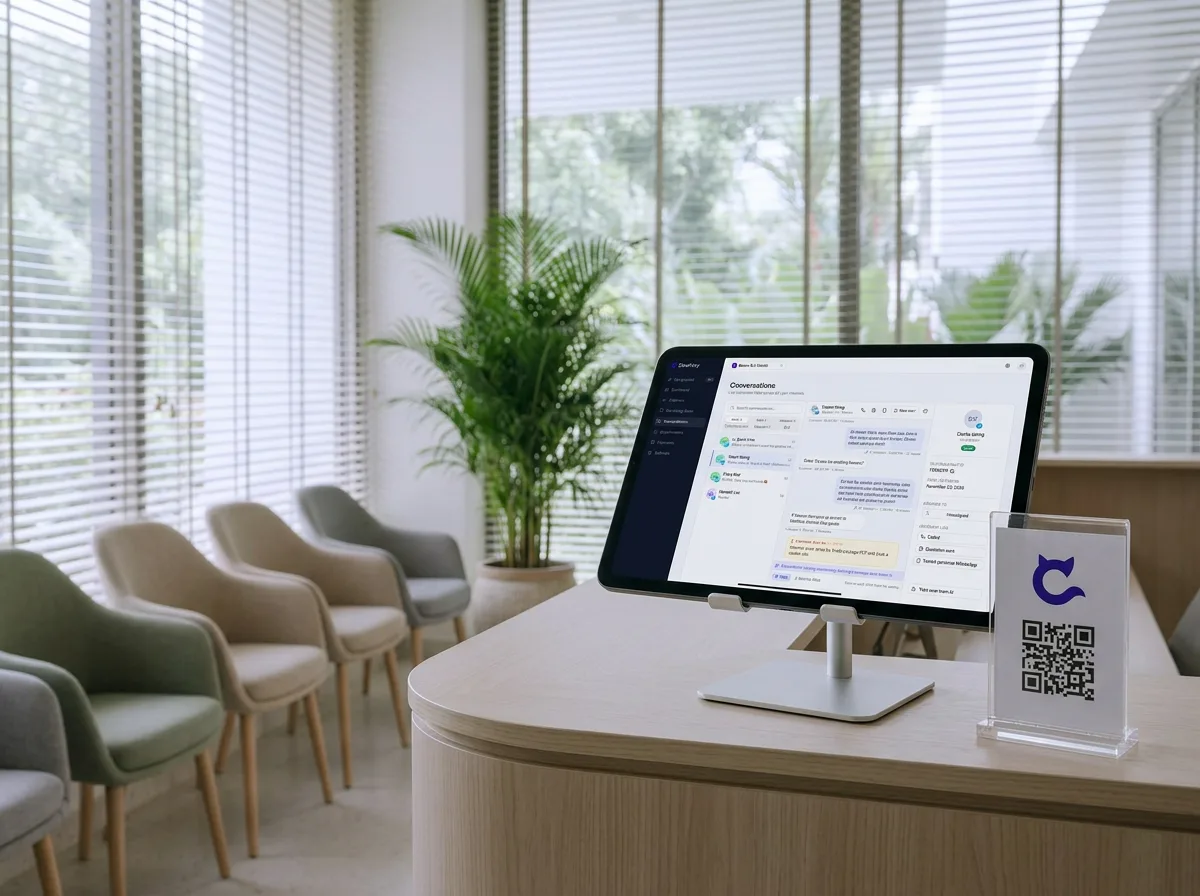
Answers questions about opening hours, services, fees and what to bring, and books appointments into each practitioner's calendar. Anything clinical goes to your staff.
Studio rental
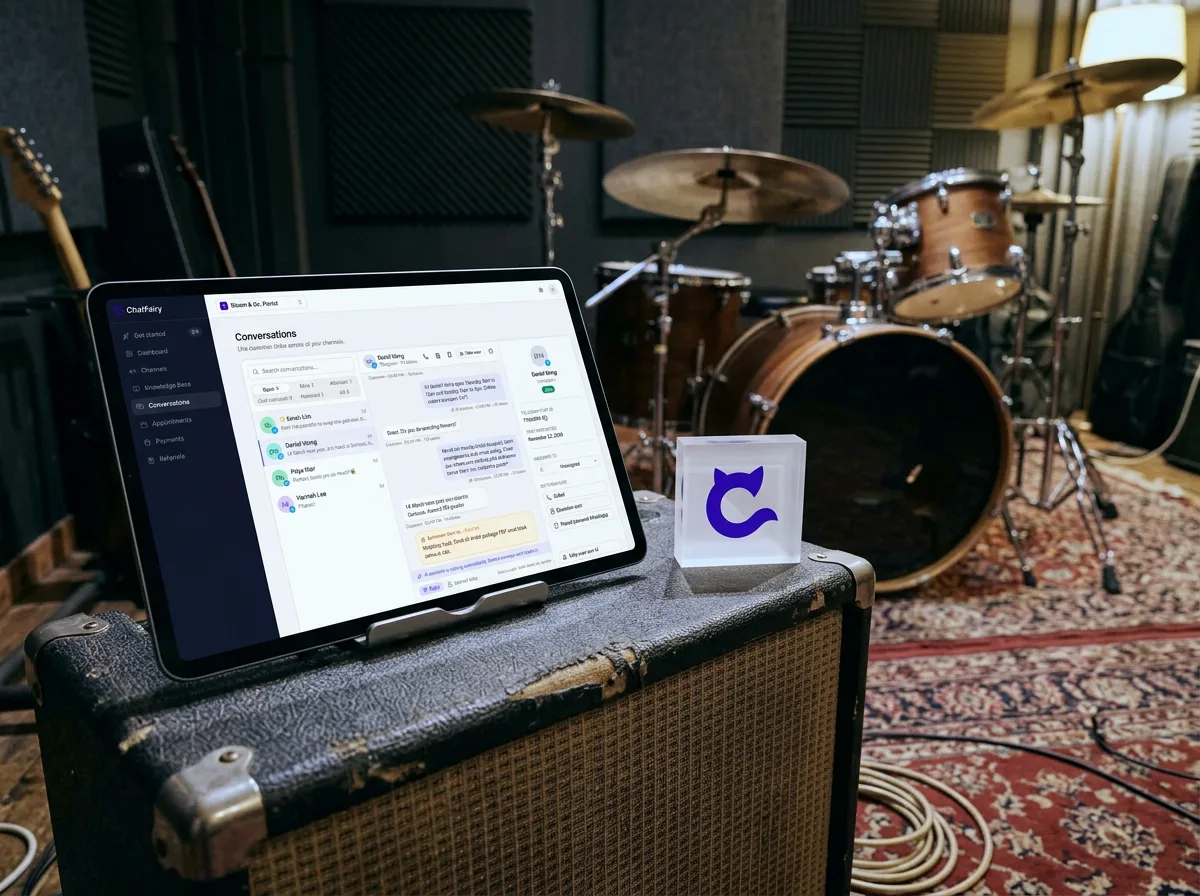
Books dance, music, rehearsal, photo and podcast studios by the hour. Customers pick how many hours they need, each room is its own calendar and shared rooms never double-book.

Online shops
Answers product, price, delivery and returns questions from the catalogue you load, and sends Stripe payment links in the chat. Order updates stay with your team.
Common ground
Every setup starts with your own information. A guided wizard collects your business details, products, services, prices, policies and FAQs, and the assistant searches them before every reply. When it has no answer, it says it will check with the team instead of guessing.
Bookings go into Google Calendar, at times you marked as Free, so nothing is double-booked. Payments go through your own Stripe account as a link in the chat. When a customer asks for a person, or the assistant has no answer, the conversation is flagged in a shared inbox and your team takes over.
Other businesses
ChatFairy is not limited to these seven. Any business whose customers message it on WhatsApp or Telegram can load its own information and let the assistant answer. See how the WhatsApp chatbot works, or ask Kelin Studio for a done-for-you setup.