WhatsApp chatbot
A WhatsApp chatbot that reads the actual question and answers from your own products, prices, policies and FAQs.
Free during the open beta. No card needed.
Most WhatsApp automation is a menu: press 1 for opening hours, press 2 to wait for someone. ChatFairy answers the way a well-briefed member of staff would, at any hour.
What it handles
Answers from your own material
Replies come from the products, services, FAQs and policies you loaded, not from what a general AI model happens to believe about your industry.
Bookings against a real calendar
Bookable times come from your Google Calendar and confirmed bookings are written back to it.
Payment inside the chat
The assistant sends a Stripe payment link, so a customer who says yes can pay without leaving WhatsApp.
Handover to a person
When a customer asks for a person or the knowledge base has no answer, the chat is flagged for your team.
Setup
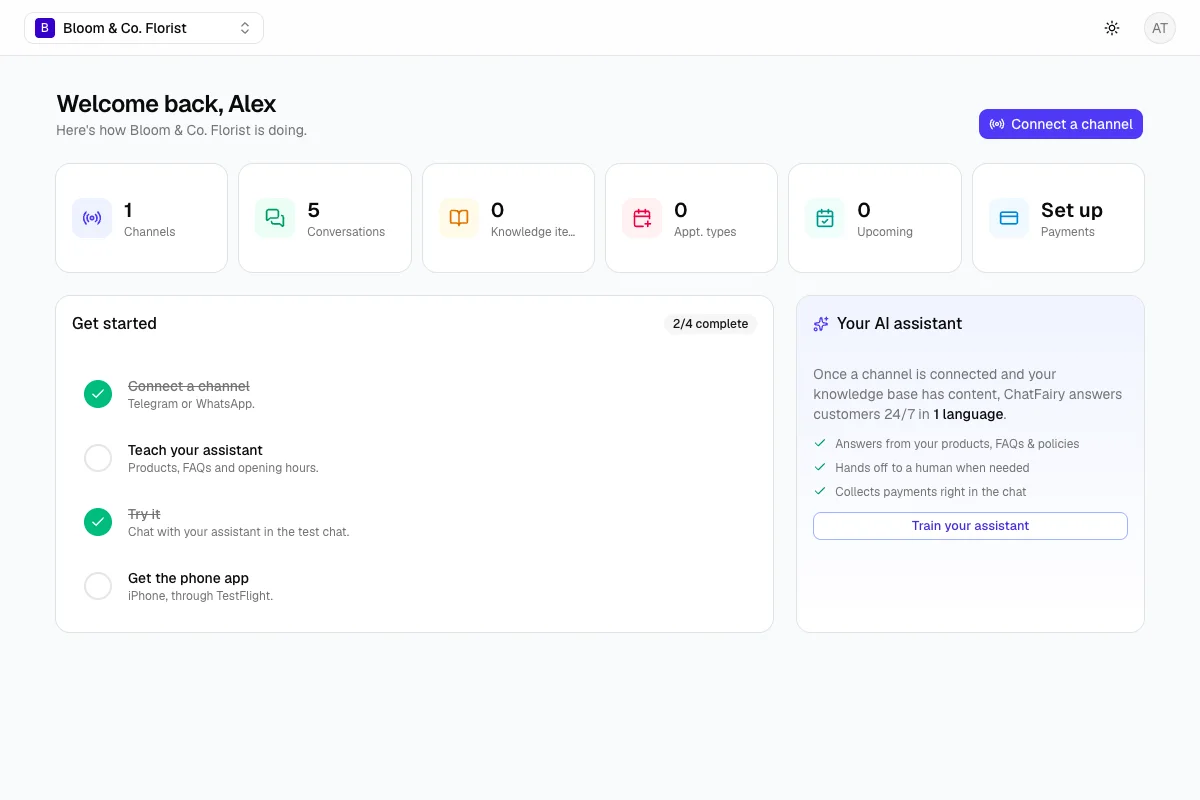
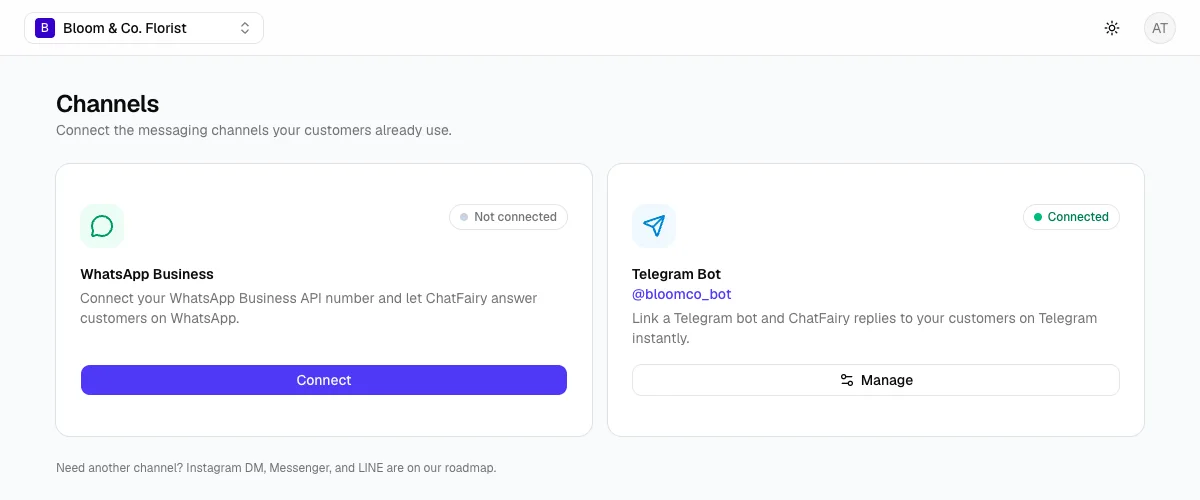
WhatsApp only lets software answer messages through the WhatsApp Business Platform, Meta's API for businesses. You set that up once in Meta's own tools, and ChatFairy's guided connect walks you through it with short tutorial clips.
Create a Meta app and a WhatsApp Business account
In Meta's business tools you create a business portfolio, an app and a WhatsApp Business account, and add a phone number.
Make a permanent access token
Create a system user in Meta Business settings and generate a token that does not expire. ChatFairy checks the token when you paste it and tells you in plain words if something is missing.
Paste the token and two IDs
The phone number ID and the WhatsApp Business Account ID. ChatFairy then points Meta's webhook at your account itself. The token is encrypted at rest and you can replace it at any time.
Load your information and go live
The wizard collects what you sell and how you answer. Try the test chat, then let customers message the number.
There is no one-click WhatsApp signup yet, so these steps happen in Meta's tools. If you would rather not do them yourself, Kelin Studio sets it up for you.
Your number
ChatFairy works with a number registered on the WhatsApp Business Platform under your own Meta business account. A number cannot stay on the WhatsApp Business phone app while it is connected to ChatFairy, so most businesses either move their number over or start the assistant on a second number and switch once they are comfortable.
Moving a number keeps the number itself. Old chats on the phone stay on the phone unless they are exported first. Our coexistence guide explains Meta's rules.
Costs
There are two separate bills. Meta charges per message delivered through the Business Platform, at rates set by the recipient's country and the type of message, and the first 1,000 replies a month on each number are free.
ChatFairy is free during the open beta: every feature, both channels and unlimited team members, with no card needed. When the beta ends, Pro is planned at about US$24 a month, and beta accounts get at least 30 days notice by email first.
- WhatsApp Business API pricingMeta's per-message rates and which messages are free
- ChatFairy pricingFree during the open beta
Limits
- It answers customers who message you. It does not send broadcasts or automated reminders from the dashboard yet. Approved templates can be sent through the API.
- It covers WhatsApp and Telegram, not Instagram, Messenger or a website chat widget.
- It answers from what you load. A thin knowledge base gives thin answers, which is why the test chat and the first weeks of real conversations matter.