WhatsApp auto reply
Two ways to reply to WhatsApp customers automatically: fixed messages in the free Business app, or an AI assistant that answers each question.
Free during the open beta. No card needed.
This page covers both, and when each one is enough.
In the app
The WhatsApp Business app has three built-in tools. All of them are in the Tools tab, and all of them send text you wrote yourself.
| Tool | What it does | Setting |
|---|---|---|
| Greeting message | Replies automatically when a customer messages you for the first time, and again when they message after 14 days with no contact. | Tools, Greeting message |
| Away message | Replies automatically while you are away or busy. You choose always, a custom schedule, or outside your business hours. | Tools, Away message |
| Quick replies | Saved messages you send by typing / in a chat. Up to 50. You still press send yourself. | Tools, Quick replies |
Read from the WhatsApp Help Center on 26 November 2026. Both automatic messages need the phone to be online.
Examples
Short, specific and honest about when a person will reply works better than a long welcome. Adapt these to your own business.
- Greeting: Hi, thanks for messaging Bloom Florist. Tell us what you are looking for and the delivery date, and we will reply shortly.
- Away, outside hours: We are closed now and open again at 9am. Leave your question here and we will answer first thing.
- Away, busy: We are with customers at the moment. We reply to every message within the hour.
- Quick reply, price list: Here is our current price list. Tell me which service you are interested in and I will check the next free slot.
Limits
- The app sends the same text to everyone. It cannot read the question, so a customer asking about price and one asking about opening hours get the same greeting.
- It answers once. The customer's actual question still waits for you.
- Greeting and away messages come from your phone, so the phone has to be on and connected.
- There is no booking, no payment and no handover. Those need software on the WhatsApp Business Platform.
AI replies
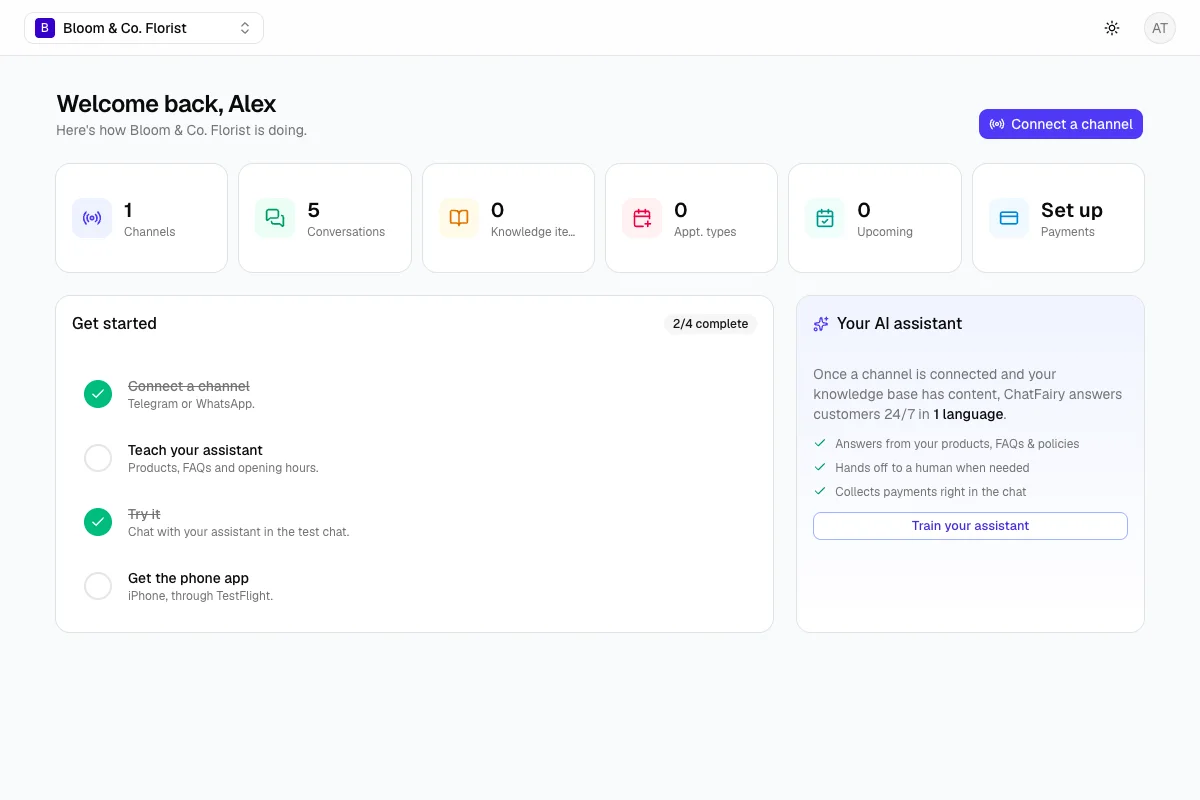
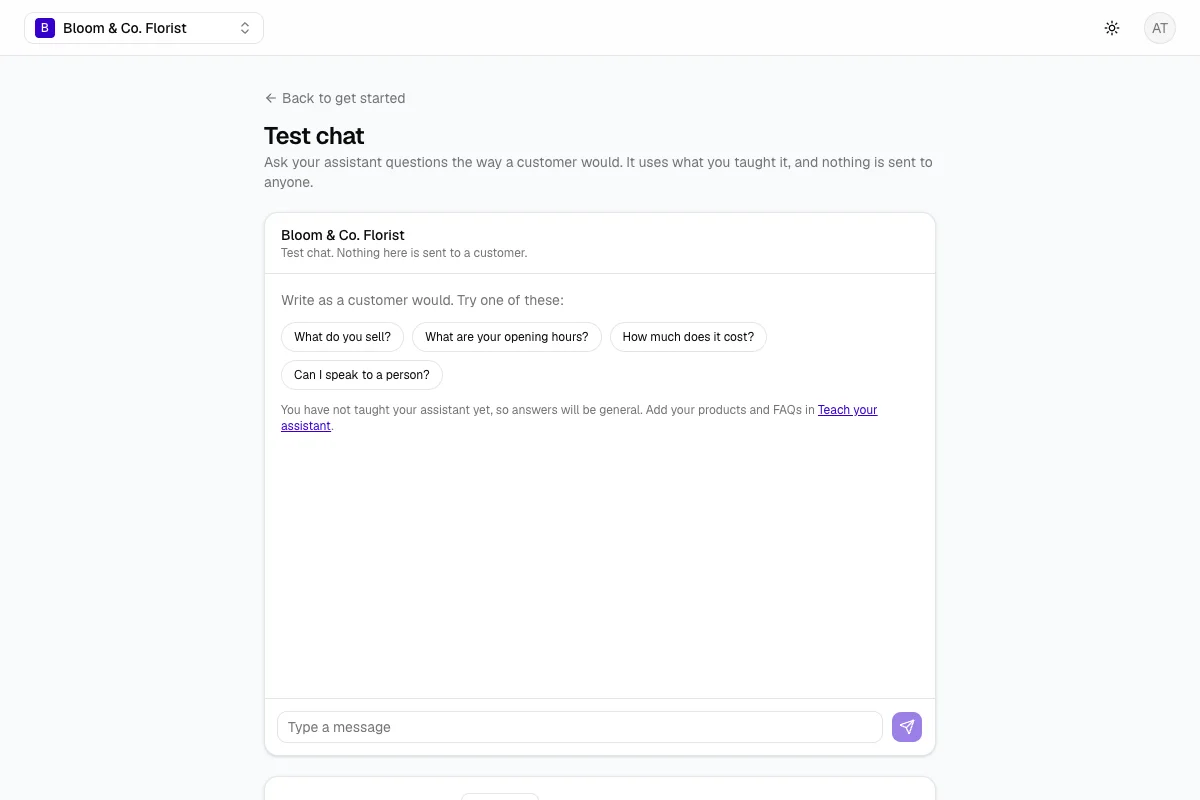
An AI assistant is the next step up from a fixed message. ChatFairy reads each message, finds the answer in the products, prices, policies and FAQs you loaded and replies in your own tone. It can offer free times from your Google Calendar, send a Stripe payment link and pass the chat to your team when a person is needed.
It runs on the WhatsApp Business API, not in the phone app, so your number moves onto Meta's platform. It answers at any hour and does not depend on your phone being on.
Which to use
If you get a handful of messages a day, the app's greeting and away messages are enough. Once the same questions arrive every day, or enquiries come in while you are closed, an assistant that answers them is worth the move.
| WhatsApp Business app | ChatFairy | |
|---|---|---|
| Reply type | Fixed text you wrote | An answer to the question asked |
| Follow-up questions | Wait for you | Answered |
| Bookings and payments | No | Google Calendar bookings and Stripe payment links |
| Needs your phone on | Yes | No |
| Cost | Free | Free during the open beta. Meta's message fees apply. |
| Number | Stays in the app | Moves to the WhatsApp Business Platform |