WhatsApp chatbot for car workshops
ChatFairy answers WhatsApp enquiries about servicing and repairs with your own quote ranges, and books workshop slots.
Free during the open beta. No card needed.
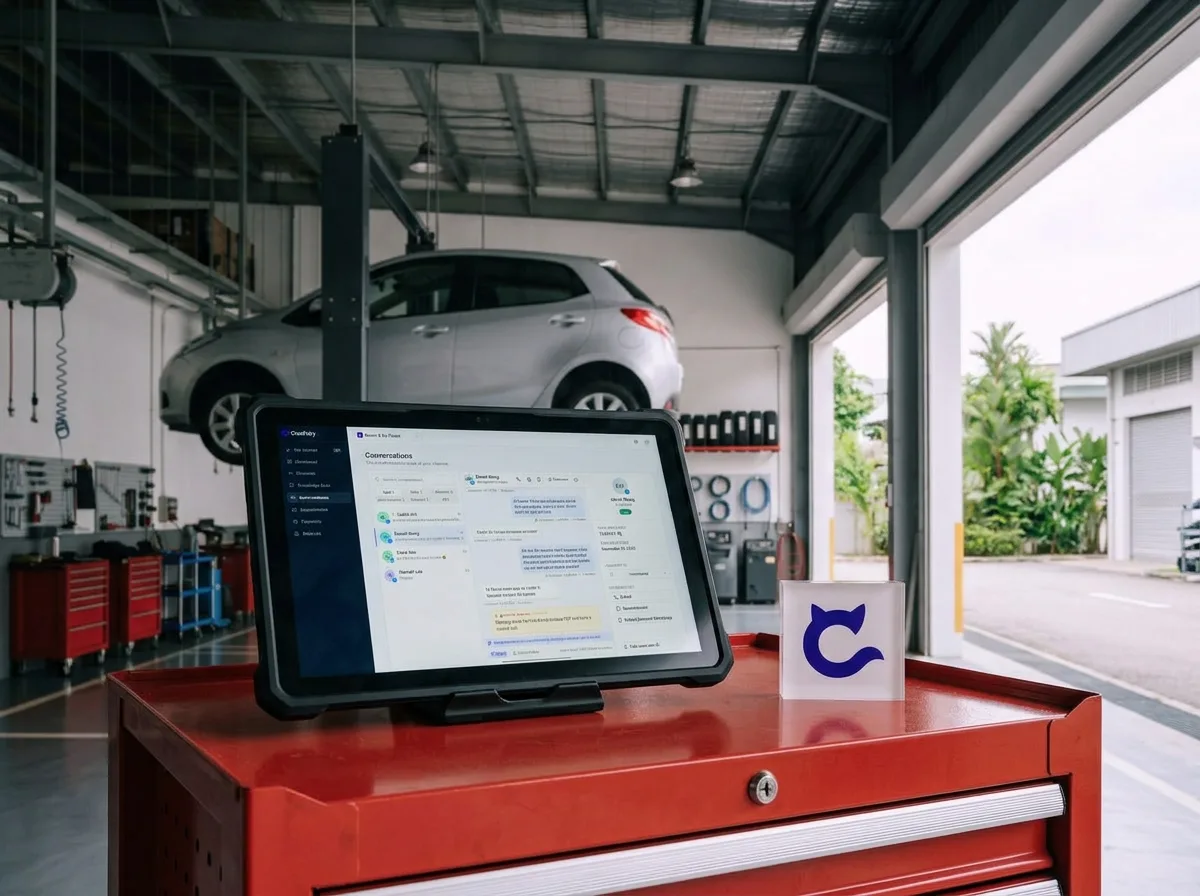
It collects the car model and the problem first, while your advisors keep their hands on the cars.
The problem
Drivers message about a warning light at night, a servicing package on Sunday, or a quote while you are under a car. If the reply takes hours, they book with whichever workshop answered first.
- The same questions over and over: how much is a servicing, how long does it take, can I come tomorrow.
- Advisors stop work to type quotes, or the phone goes unanswered during busy hours.
- Enquiries that arrive after closing are cold by the time the shutters go up.
How it works
Load your services and price ranges
Add your servicing packages, common repairs, the price ranges you quote, how long each job takes and what you need to know about the car.
Connect your WhatsApp number
Link your WhatsApp Business number (or a Telegram bot) with the guided setup. Every enquiry lands in one shared inbox.
Let it quote and book
The assistant answers, asks for the car model, year and mileage, gives your quote range and offers bay slots from your workshop calendar.
What it handles
Quote ranges you set
Gives the price ranges and package prices you loaded, with your own wording on what can change the final bill. It never invents a price.
Collects the car details first
Asks for make, model, year, mileage and a description of the problem, so your advisor knows what is coming in before the car arrives.
Books bay slots without double-booking
Offers only the times your Google Calendar shows as free, and writes confirmed bookings straight back, so two jobs never land in one slot.
Answers the logistics questions
Opening hours, location, how long a job takes, whether to wait or drop off, payment methods: all answered from your own information.
Takes deposits in the chat
If you take a deposit for parts or a booking, the assistant can send a Stripe payment link in the conversation.
Keeps the service history in one place
Every conversation, with the car details the customer gave, stays in your shared inbox, ready for your advisor when they follow up about the next service.
Handover
Diagnosis, warranty and insurance claims, complaints and anything that needs a mechanic's eye stay with your team. When a customer asks for a person, or the assistant cannot answer from your information, the conversation is flagged in your inbox and you are notified.
Pricing
ChatFairy is free during the open beta: every feature, both channels, unlimited team members and the iPhone app, with no card and no end date yet. On ChatFairy's built-in AI an account gets up to 200 AI conversations a day, and adding your own AI key removes that limit. When the beta ends, Pro is planned at about US$24 a month, and beta accounts get at least 30 days notice by email first. See pricing.
Kelin Studio, the studio behind ChatFairy, also offers a done-for-you setup: it builds your knowledge base, connects your number and tunes the assistant on real chats.