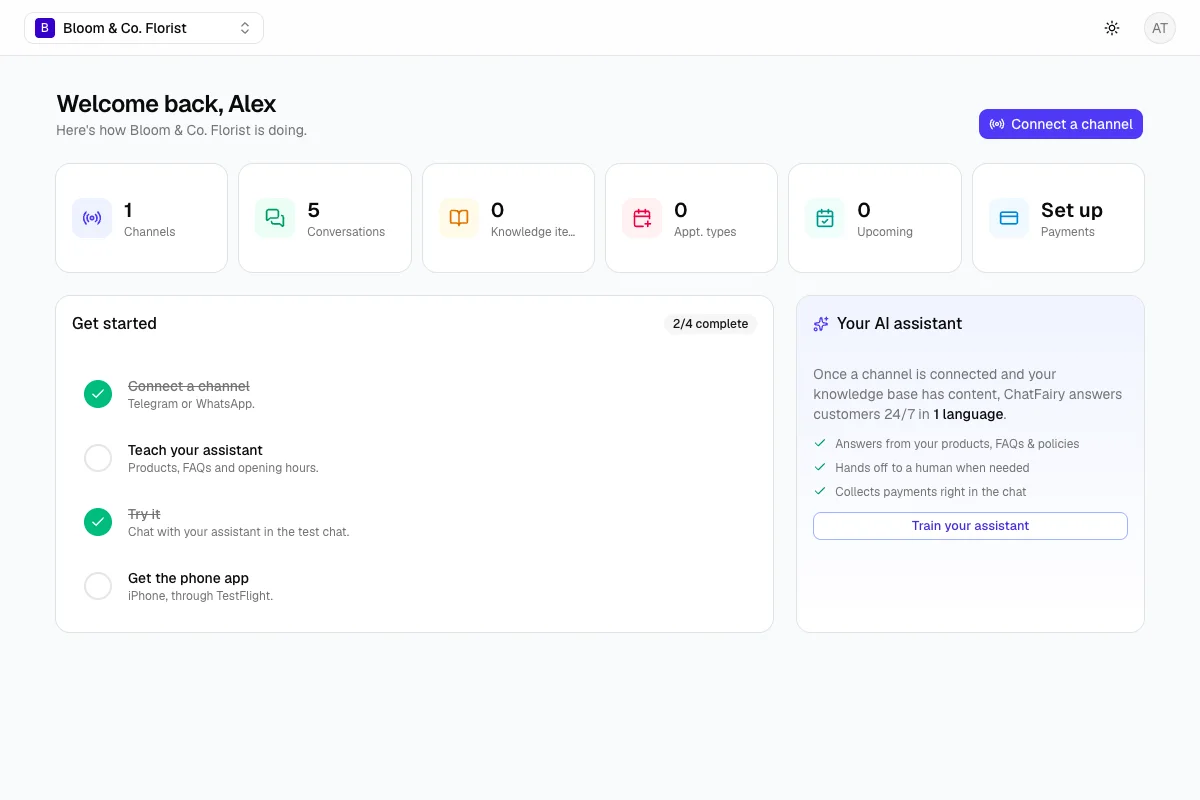
WhatsApp appointment booking
Customers book in the chat, into the times your Google Calendar shows as free.
Free during the open beta. No card needed.
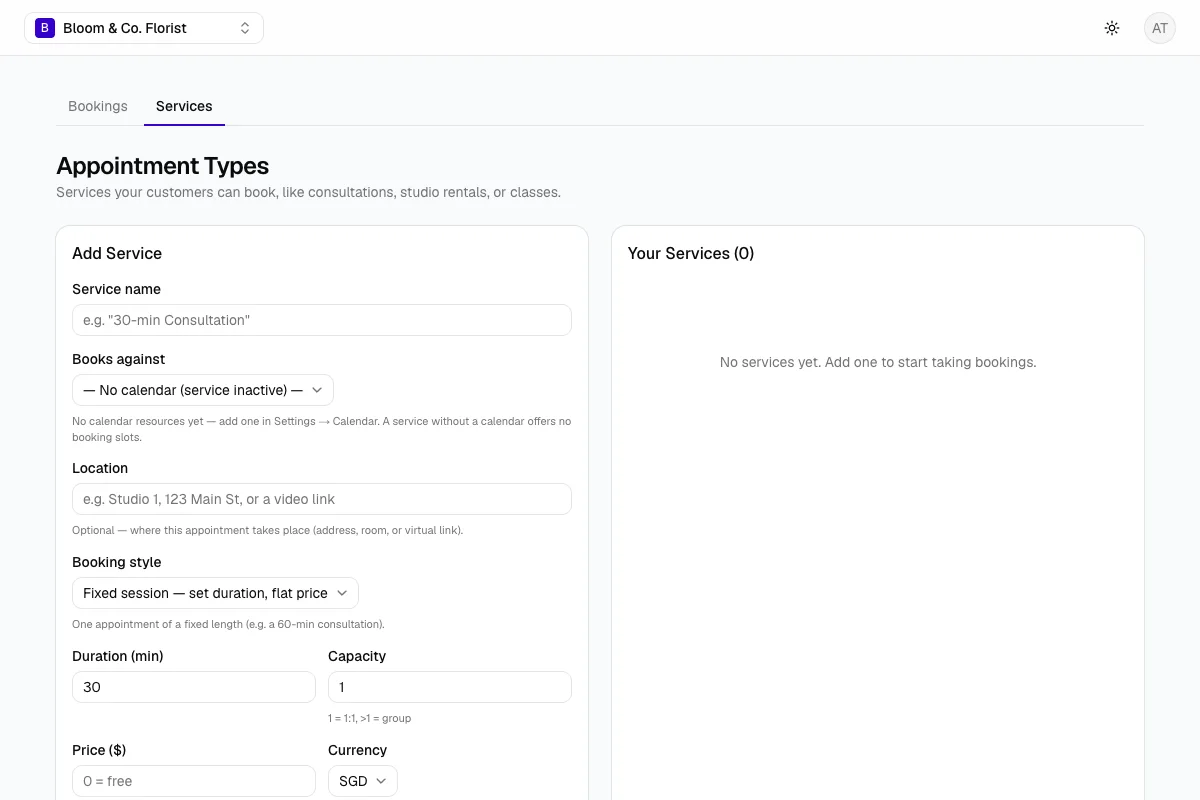
Each confirmed booking is written straight back to the calendar, so two customers never get the same slot.
How it works
Connect Google Calendar
Link your Google account in Settings. Tokens are stored encrypted.
Set up your services
Each service has a length and a price and points at one calendar: a person, a room, a chair or a bay.
Mark your free times
Add events marked Free on that calendar for the hours you take bookings. Those are the only times the assistant offers.
Customers book in the chat
The assistant offers free times, the customer picks one, and the confirmed booking appears as an event on the calendar.
Service types
| Type | How it is booked | Example |
|---|---|---|
| Fixed | A set length at a flat price | A 45 minute haircut, a 30 minute consultation |
| Flexible | A number of back-to-back blocks at a price per block | A dance studio hired for three hours |
Changes
- Cancel or move a booking in Google Calendar and ChatFairy picks the change up within five minutes.
- Rescheduling is a cancellation and a new booking.
- Refunds are done by you in Stripe. They are not automatic.
- All times use your business's time zone.
Limits
- Availability comes from Google Calendar only. There is no separate weekly schedule inside ChatFairy.
- It does not send automatic reminders before an appointment yet.
- Google's own Appointment Schedules feature cannot be read by other software, so it is not used.
Questions
Can customers book an appointment on WhatsApp?
Yes. With Google Calendar connected, the assistant offers your free times in the chat and writes each confirmed booking to your calendar.
Can it double-book me?
No. It offers only times your calendar shows as free, and each confirmed booking is written back to the same calendar at once.
Can I take a deposit when someone books?
Yes, if you connect Stripe. The assistant can send a payment link in the chat. See payments.
Does it work with calendars other than Google Calendar?
Not today. Bookings run on Google Calendar.